

LinkedIn CRM built for sales teams
Build your lead list. Send email and LinkedIn messages from one place. Get clear reports on what's working. That’s a LinkedIn CRM.
Replace 3 tools with 1
EasyIn brings your leads, messages, and reports into one simple tool. Stop switching between apps. Close more deals.
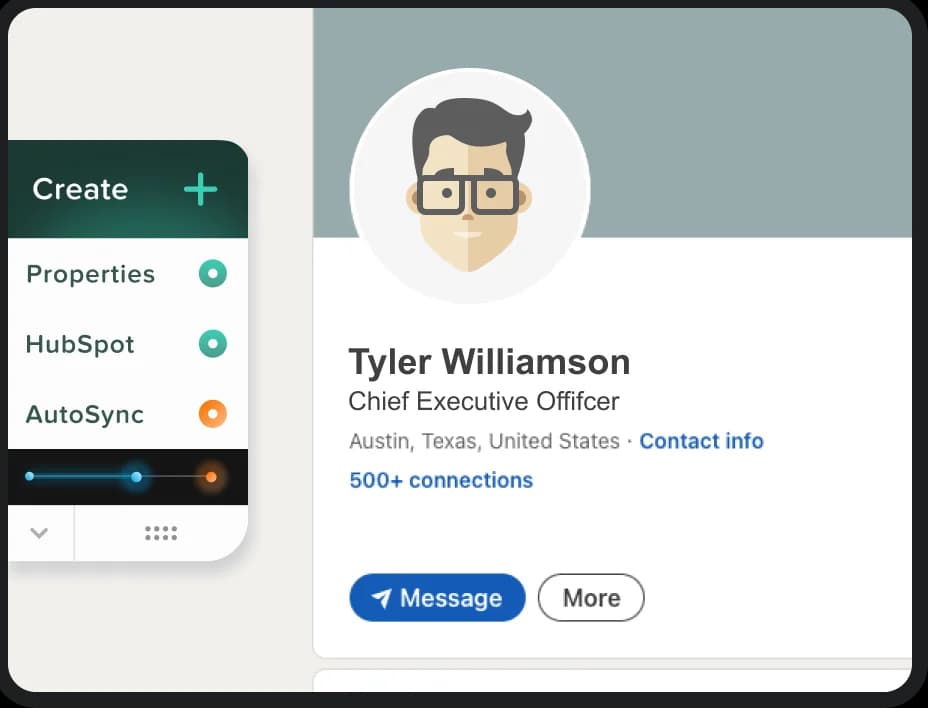
Find people and build your lead list
Click once on LinkedIn. EasyIn adds the person to your list. No typing. No extra tabs.
Sales outreach with email & LinkedIn
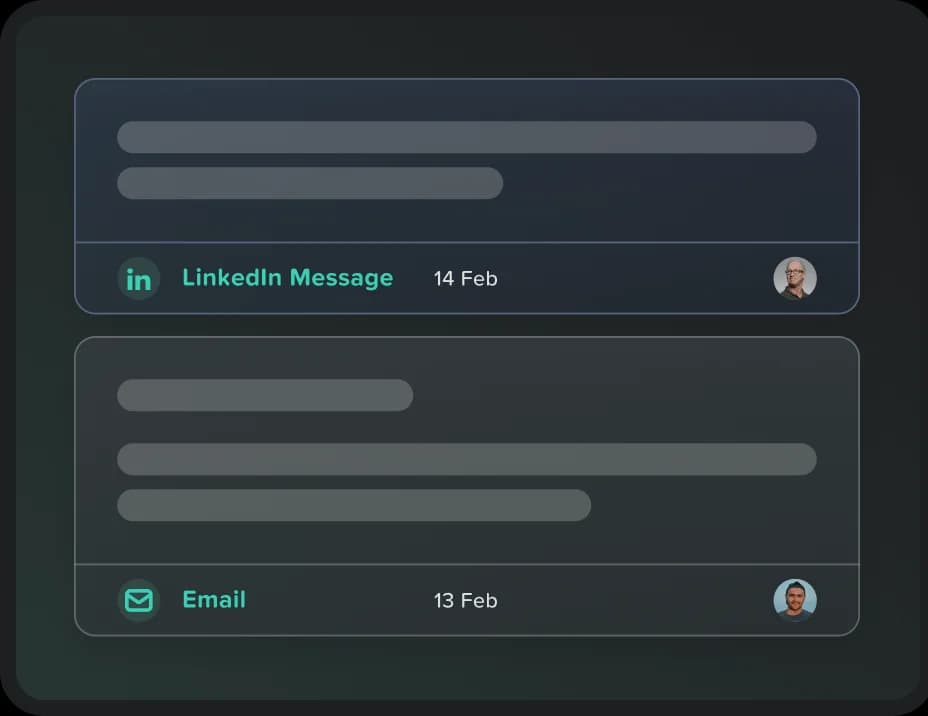
Use one tool for email and LinkedIn. Send a LinkedIn message from the same inbox as your email!
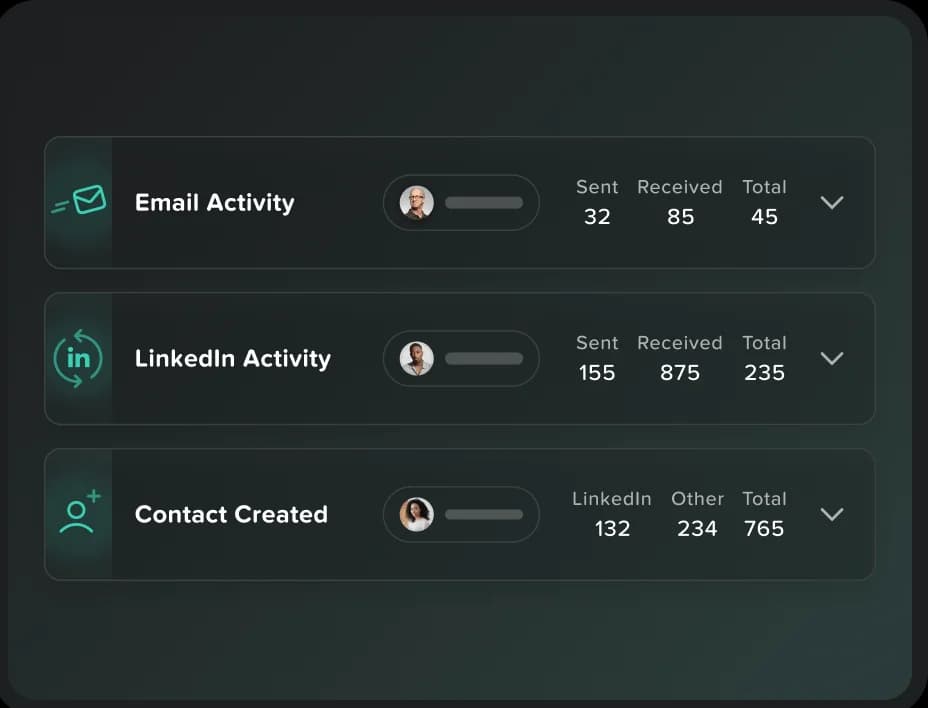
Team reports with LinkedIn metrics
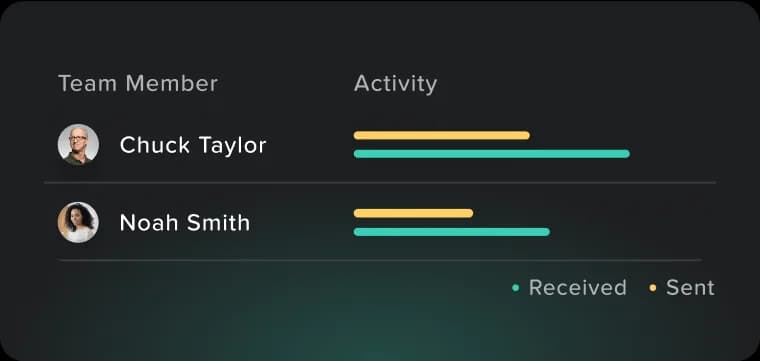
See the full picture: email and LinkedIn side by side. Find out who wins on LinkedIn and who wins on email. Track messages sent, replies, and what works.
CRM for LinkedIn selling
We make LinkedIn selling simple. Spend your time on people, not data.
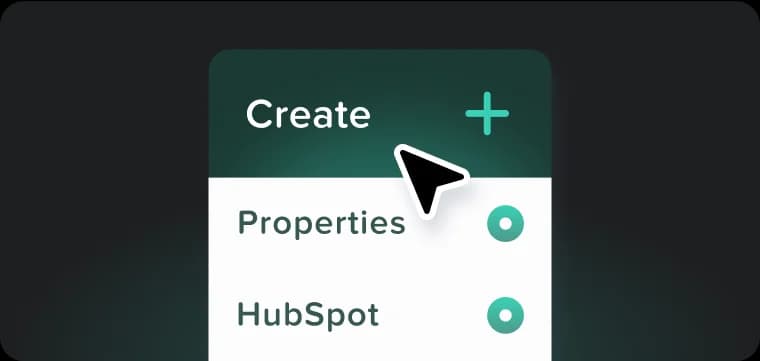
Build Your Prospects List
Build your prospects list with one-click contact creation from any profile.
Message From One Place
See all your LinkedIn messages and emails in one place with EasyIn.

Track Your Team's Outreach
See how your whole team is doing. Track messages, replies, and results, all in one place.
Got Questions?
We've Got Answers
Quick answers to your sales questions.
Yes. EasyIn is a CRM for LinkedIn sales. Capture leads, send email and LinkedIn messages, and see team reports, all in one place.
Yes. EasyIn uses LinkedIn's own APIs. We don't allow spam or sketchy automation. We just take the grunt work off your plate so you can sell.
Messages you send and get on LinkedIn. Contact info like name, job title, and email. Company info like name, website, and team size.
Yes. You can send LinkedIn messages right from EasyIn. Have the whole back-and-forth chat here instead of on LinkedIn.
Yes. Turn on Profile Intelligence and EasyIn keeps the contact up to date. If something big changes, like a sales signal, you get a notification.
LinkedIn Free, Premium, and Sales Navigator all work. A paid LinkedIn plan helps if you're on LinkedIn all day, but you don't need one.
Yes. EasyIn is built for sales teams. Add your reps, keep messages in one place, and share one team inbox.
